
Scanning a passport to obtain a usable copy is not just about placing the document on a glass surface and pressing a button. Visa forms and online pre-registration now automatically read the data from the identity page from a simple clear photo, making the quality of the scan crucial for the continuation of an administrative process or a booking.
MRZ Zone of the Passport: the Technical Detail that Blocks Applications
The coded strip at the bottom of the identity page, known as the MRZ (Machine Readable Zone), contains the information read by automated systems. A shadow, a reflection, or a slight blur in this area is enough to cause a rejection when uploading to a visa platform.
The problem often arises from the binding of the passport. The document never opens perfectly flat, and the curvature creates optical distortion on the characters near the fold. Pressing firmly on the lid of a flatbed scanner partially corrects this flaw, but excessive pressure can also create a bright halo in the center of the image.
To learn how to scan a passport correctly, you must first identify this MRZ zone and check, after each scan, that each character remains individually readable. If two letters seem to touch or if a number appears blurry on the screen, the file will likely be rejected by an automatic reader.

Flatbed Scanner or Smartphone Photo: Compared Results
A flatbed scanner remains the most reliable way to achieve a uniform result. The built-in light source scans the document evenly, eliminating lighting variations. In contrast, a recent smartphone produces acceptable results as long as a few specific constraints are respected.
Smartphone Scanning Constraints
Online platforms frequently reject scans taken at an angle. The document must be perfectly straight, edge to edge, or it risks automatic rejection. Photographing a passport against a light background (white table, A4 sheet) with indirect natural lighting yields better results than using a built-in flash, which consistently causes a reflection on the laminated surface of the photo page.
- Place the passport on a flat, dark surface to maximize edge contrast, or on a white surface if the scanning app automatically detects the outlines
- Photograph while holding the phone strictly parallel to the document, without lateral tilt, to avoid trapezoidal distortion
- Disable the flash and favor diffuse natural light coming from a window, never from a directional spotlight above
- Ensure that the MRZ is fully visible and not cropped by the automatic framing of the app
Limitations of Traditional Flatbed Scanning
Automatic reduction of the format on an A4 sheet or the use of overly thin paper can render the MRZ unreadable when printed. If the scan is intended for printing, it is essential to check that the scanner software does not apply a default resizing that compresses the characters in the coded strip.
NFC Reading of the Biometric Passport: a Step Often Missed
Some mobile applications used for visa applications or remote identity verification read the NFC chip embedded in the biometric passport. This reading sometimes replaces optical scanning, but it presents practical difficulties that few guides mention.
Removing the phone case before NFC reading significantly improves the success rate. Thick cases, especially those with an integrated stand or metallic parts, block or weaken the signal. The NFC antenna of the phone is generally located at the center of the back, and this area must be precisely placed on the passport cover pictogram.
The reading can take several seconds. Moving the phone during this time interrupts the process. User feedback shows that it sometimes takes three or four attempts to achieve a stable reading, especially with passports whose chip is older.
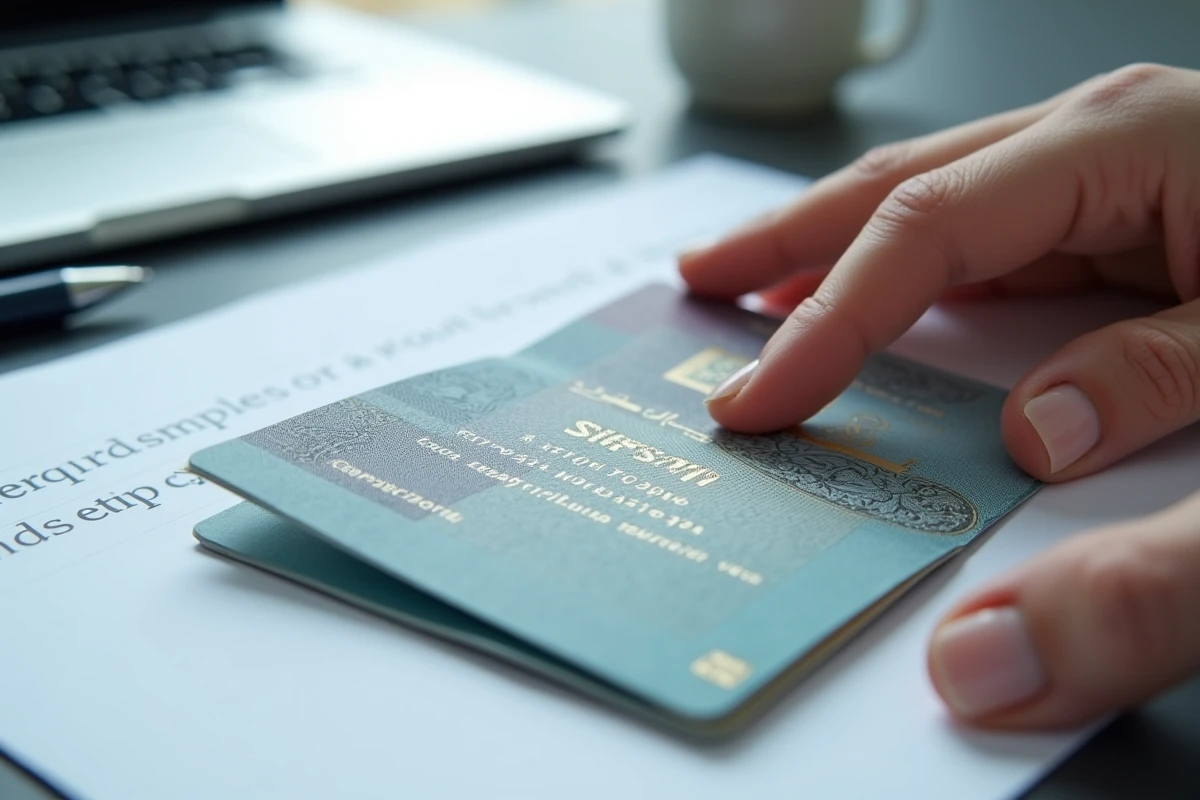
Passport Copy and Administrative Compliance in France
French authorities have simplified the requirements related to copies of identity documents. A copy of a passport no longer needs to be certified for most procedures with a French administration. A readable and complete scan is sufficient.
This simplification does not apply everywhere. Some countries still require a certified copy, and consulates apply their own rules. For a visa application, the page to be scanned is almost always the identity page (the one with the photo), but some forms also request the signature page or the pages containing entry and exit stamps.
Elements to Check Before Sending a Scan
- The file must be in the format requested by the platform (PDF or JPEG as applicable), with a sufficient resolution for each character to remain sharp when enlarged
- All four corners of the page must be visible, without excessive cropping that would remove the edges of the document
- No annotations, watermark, or modifications should appear on the image, or it risks immediate rejection
The PDF format has the advantage of maintaining a stable resolution regardless of the viewing software used by the administration. The JPEG, being lighter, is suitable for platforms that impose a file size limit, but its compression can degrade the readability of the MRZ if the compression rate is too high.
A well-executed scan on the first try avoids back-and-forth with an administration or consulate. The verification takes less than a minute: zoom in on the MRZ area, check that the identity photo is not overexposed, and confirm that the passport number remains readable throughout its length.